
Powerful Analysis, Dynamic Imaging, Advance measurement
Combines ease of use with advanced features to streamline your inspection workflow
- Large selection of lenses that are easy to change
- Switch between 7 different observation methods by pushing a button
- Fast macro to micro viewing
- Accurate measurements with a telecentric optical system
- Advanced measurements are fast and easy to obtain


Multiple Observations with a Single Click
Speed combined with guaranteed accuracy and repeatability make the DSX2000 digital microscope the right tool for fast failure analysis.
The best image function reviews all available observation methods for your sample and identifies the best imaging mode for revealing what needs to be seen—all with a simple click.
The DSX2000 microscope offers Seven different observation methods at the click of a button. Find optimal viewing conditions using brightfield, darkfield, MIX (darkfield + brightfield), polarization, oblique, differential interference contrast, or our unique shaded relief method.
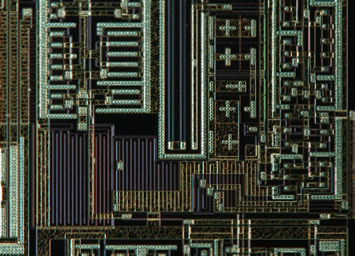
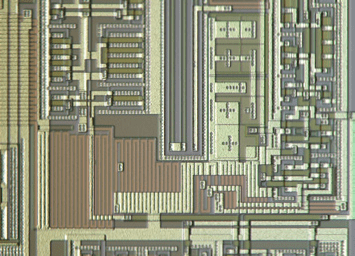
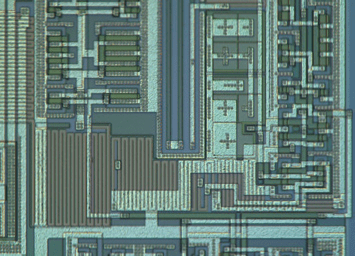

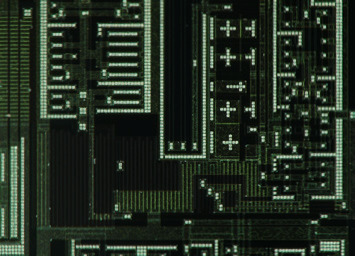
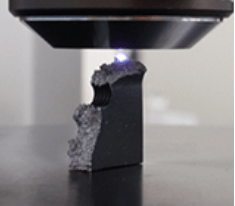
A high-precision 3D image with full focus can be obtained with a single click
It is also possible to perform 3D measurements of height, roughness, and other features
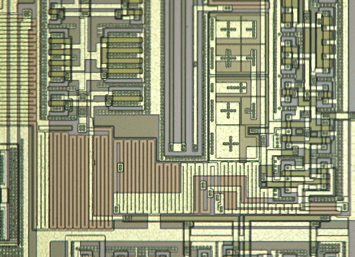
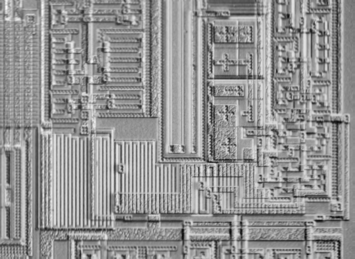
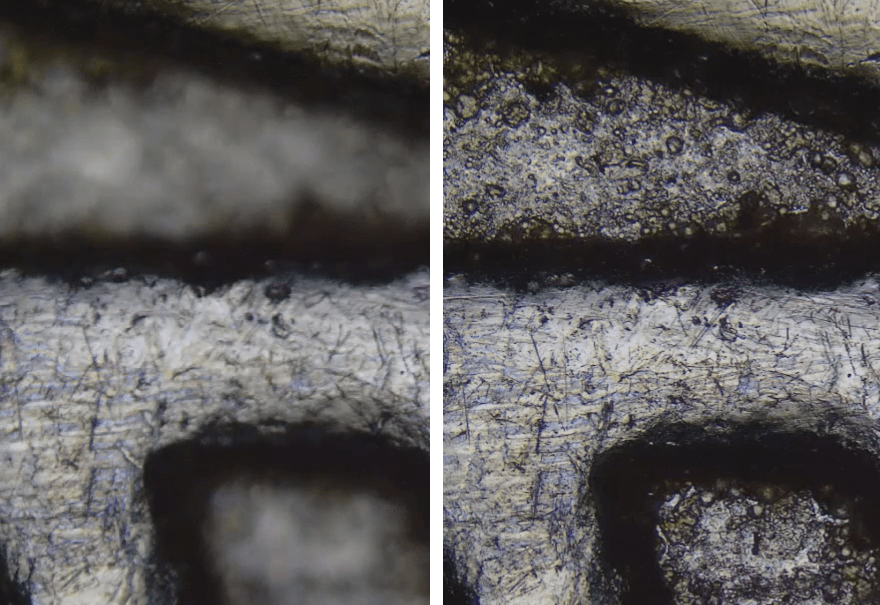
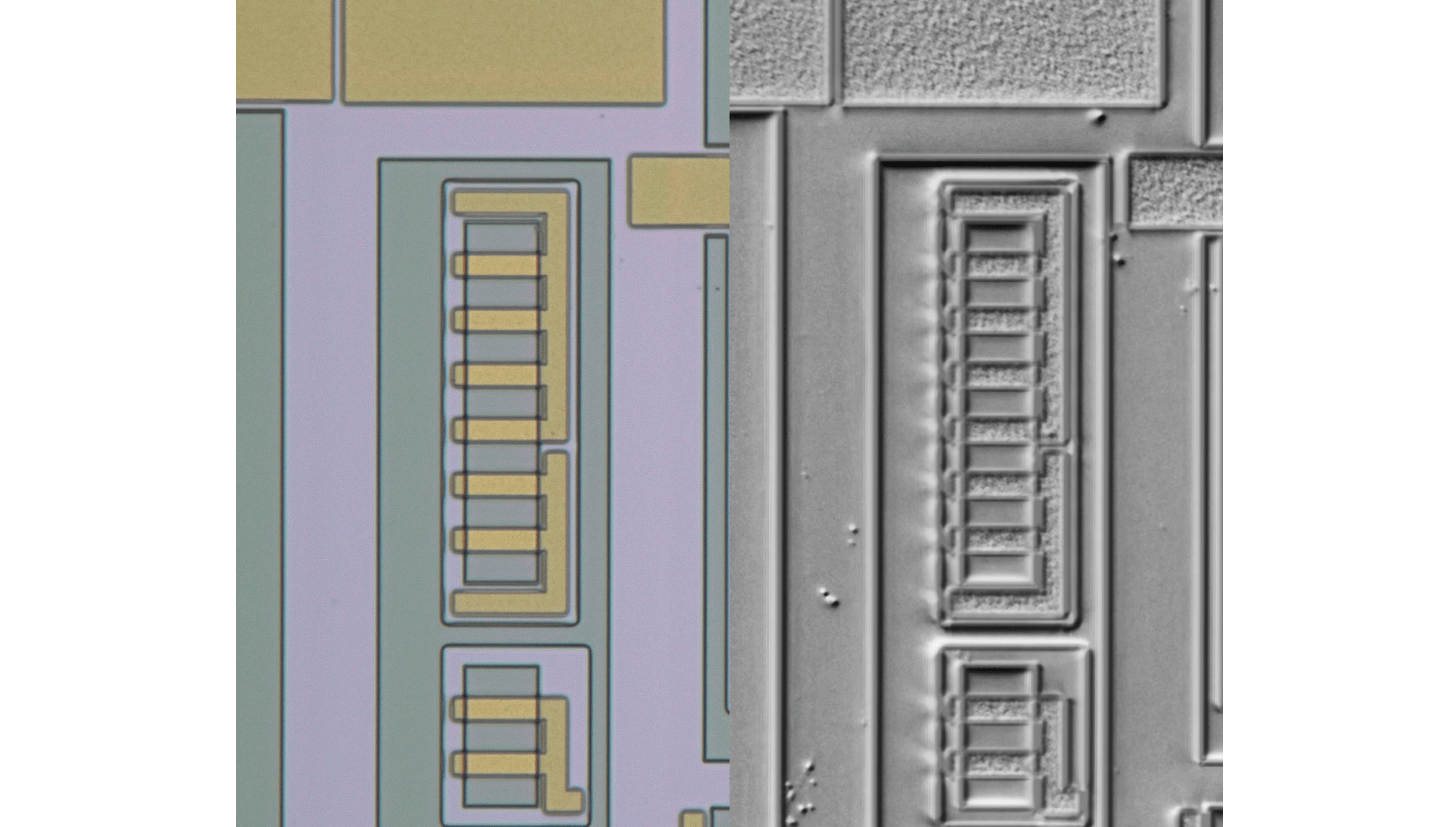
Shaded Relief Observation Mode Reveal ultra-fine, hard-to-see defects in real time, without post-processing delays. Move the stage and scan your sample seamlessly, viewing shaded relief images instantly for fast, thorough inspections.
Image: Brightfield vs Shaded Relief

Macro to Micro Versatility
The DSX2000 digital microscope offers a wide magnification range of 26X–7,300X using optical zoom, enabling you to complete macro and micro inspections with one system. By providing reliable results easily, the system frees up valuable time to focus on the work that matters most.
Get inspection results with minimal training or quick, accurate answers to your research questions.
Do it your way, designed for user in mind.
A floating panel can be defined with only the commands that matters.
EZ mode simplifies the interface by displaying only essential functions.
Supervisors can create custom workflows for operators, limiting available buttons for consistency and ease of use.

EZ MODE : Customized Workflows for Faster Operation

Customized workflows and AI capabilities on the DSX2000 digital microscope give you the power to work smarter, unlocking more efficient ways to perform routine inspections or conduct complex analyses.

Define commands that matters to your workflow

Defined workflow enable users to get to work quickly showing icons of interest
This powerful tool instantly reveals hidden details and highlights key features on live images without the need for additional processing.

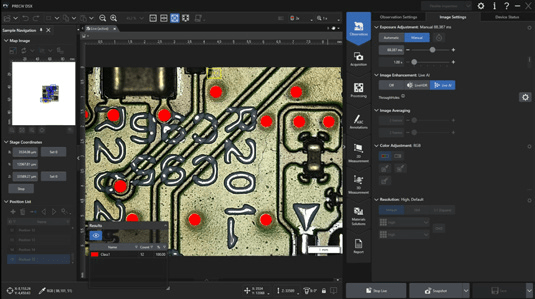
Live image of a PCB
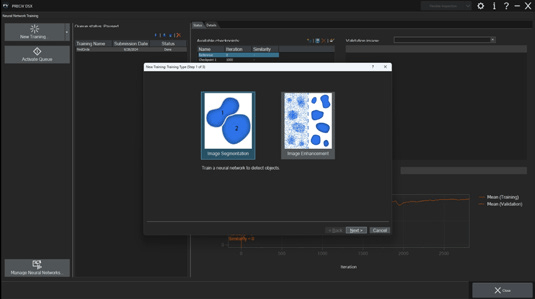
PRECiV™ image analysis software equips all Evident industrial microscopes—including the DSX2000 system—with our unique Live AI.
AI-assisted decision-making frees your experts from the need to double-check images.
Image (top) : Steel microstructure
Image (bottom) : Steel microstructure after live contrast enhancement with grain boundaries highlighted

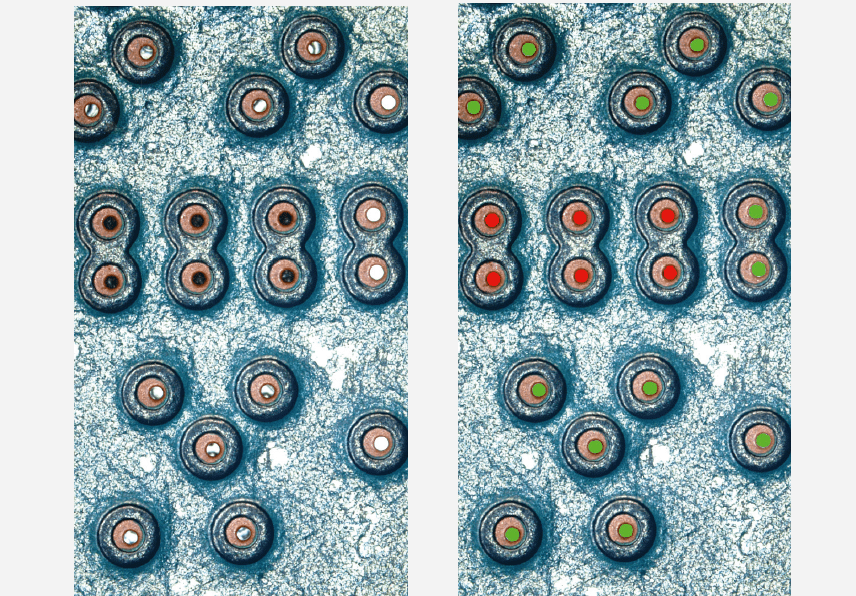
Image segmentation enables the AI, with minimal training, to identify and count different object types in your sample.
Image (left) : Through holes in PCB
Image (right) : Live detection of filled through holes and empty through holes in PCB
BF: Brightfield
DF: Darkfield
DIC: Differential interference contrast
POL: Polarized light
OB: Oblique
MIX: Mix Brightfield with Darkfield
SF: Shaded Relief
Specification are subject to change without notice or obligation on the part of the manufacturer